The money lives inside the project.
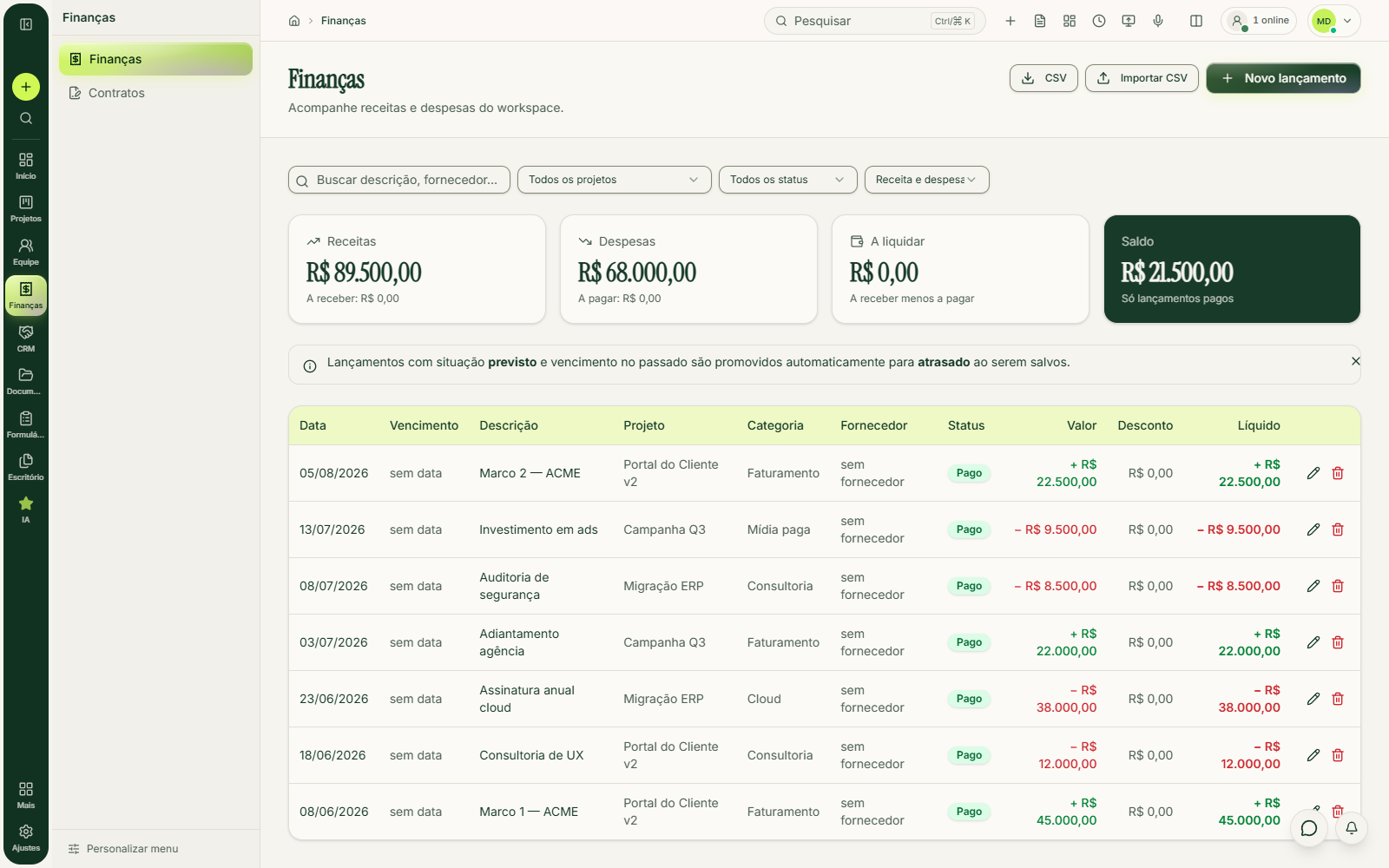
One entry, four things that matter
And added to the whole company's cash, with no parallel spreadsheet to consolidate.
You see what's still coming in and going out before the month closes.
Search by name and see everything that has come in and gone out with that client or supplier, across all projects.
Each file is tagged: quote, contract, invoice, bank slip, receipt or proof of payment.
FAYOL shows what will come in before saving and warns you when the bill already exists: nobody enters the same invoice twice.
How much of the budget is gone.
0%
of the budget used: the bar turns amber
Paid expenses against the project's planned amount, in real time.
0%
used: the bar turns red
You see the overrun coming, not after the fact.
Next to the bar: what came in, what went out, the project balance and the total past due.
Approved hours go into the project's numbers
By project, task and day, or with the timer, which follows the person across screens and saves the entry when they stop.
Approving hours is a finance permission, not a project one. The screen separates what's pending from what's already approved and records who approved it.
Each project's approved hours sit next to that same project's budget and cost: labor stops being a loose number at the end of the month.
To be precise: FAYOL doesn't multiply hours by an hourly rate. You enter the labor cost and the hours sit alongside, so you can check the math.
The end-of-month questions
Deadlines, scope and money on the same screen.
7 days free, no card. Create your workspace, enter an expense, attach the receipt and watch the budget usage move.